01
Choose your product URL
Set the destination to a product page or information page that you control. That page hosts the details; ForeverQR does not.
ForeverQR
Print a permanent QR code on your packaging and point it to the product information URL you choose. If those details change, update the destination behind the same printed code.
One permanent, ad-free code · $22 once · no subscription
Start without an account. Design and test your destination before checkout.
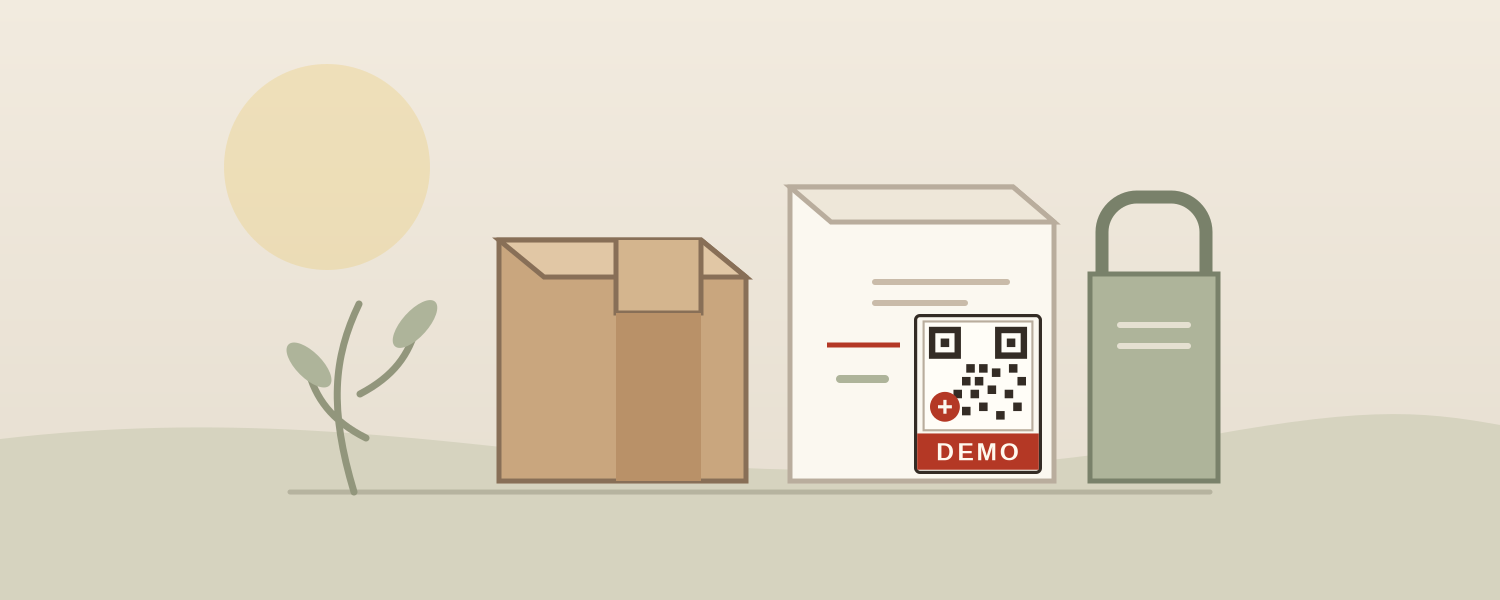
A permanent mark for changing details
A scan follows the QR to the URL you set. Your website or chosen destination hosts the product information; ForeverQR provides the editable redirect, not a product page.
01
Set the destination to a product page or information page that you control. That page hosts the details; ForeverQR does not.
02
Design the QR, scan it, and confirm it opens the destination you chose before you continue to checkout.
03
When product information changes, use your private management link to update the destination URL. The code printed on the package stays the same.
One code for your packaging
One permanent, ad-free QR code. No subscription and no account required to begin.
Create your QR codeKeep the same QR on your packaging as product details change.
Scans redirect to the destination URL you choose.
After payment is verified, use your private management link to change the destination. The code activates only after verification.
ForeverQR for product packaging
Back to real-estate QR codes