01
Choose your menu destination
Use a menu page or URL that your restaurant controls. The page hosts your menu content; ForeverQR does not.
ForeverQR
Print the same permanent QR code on your restaurant menus. It points to the menu page or URL you choose, and you can change that destination as menu details change. Your restaurant hosts the menu content; ForeverQR does not.
One permanent, ad-free QR code · $22 once · no subscription
Start without signing in or creating an account. Add your destination and test it before checkout.
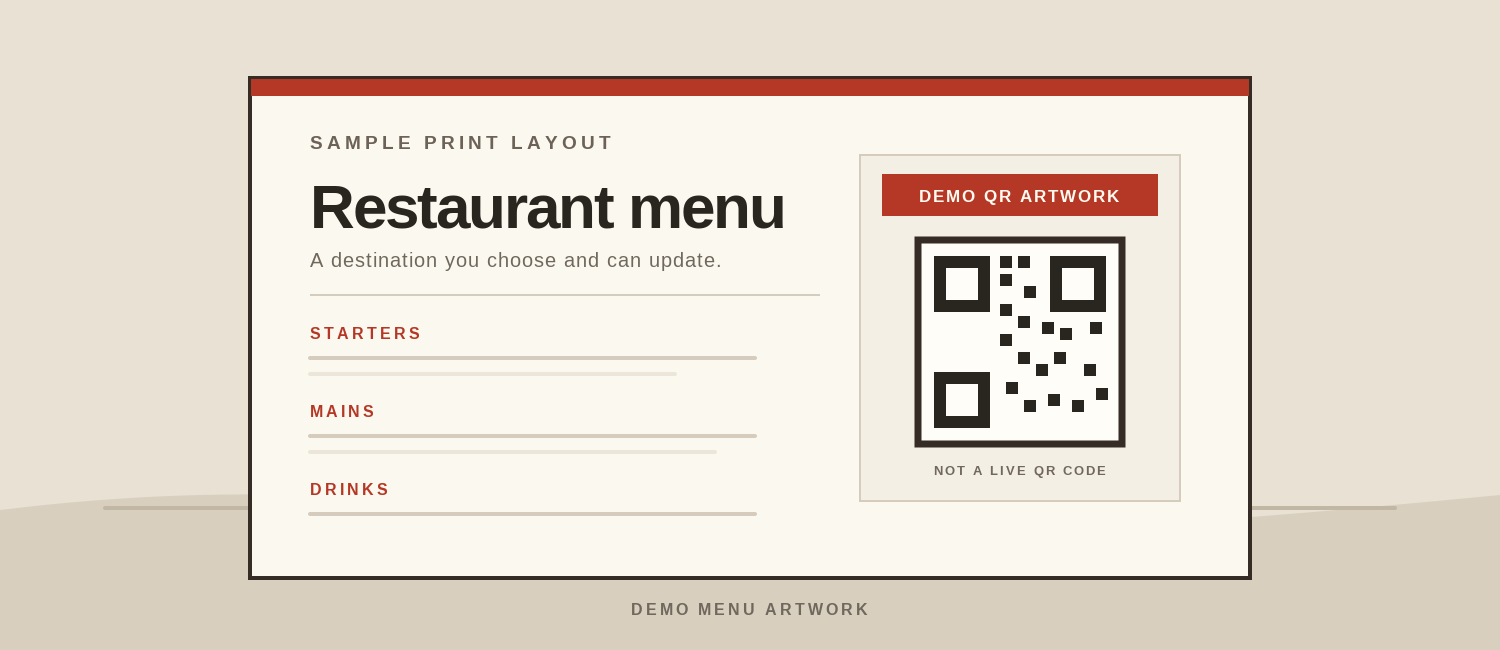
For menus that get updated
ForeverQR provides the editable redirect between a printed code and the destination you select. Your restaurant's own page or URL holds the menu content.
01
Use a menu page or URL that your restaurant controls. The page hosts your menu content; ForeverQR does not.
02
Add the same permanent QR code to your printed menus. Scans go to the destination you chose, without ads.
03
When menu details change, use your private management link to point scans to the updated page. The printed code stays the same.
One code for your printed menus
One permanent, ad-free QR code. No subscription.
Create your restaurant QRBegin setup without sign-in. Checkout follows the existing setup flow.
Use the same QR code as you update the menu destination.
Scans redirect to the menu page or URL that you chose.
After payment is verified, update the destination through your private management link. The code activates after verification.
ForeverQR for restaurant menus
Explore the ForeverQR home page